Sharing songs with other users
You can share a link to any song in Strum Machine. Anyone with the link will be able to view the chord progression. If they’re a Strum Machine user, they’ll also be able to play the song and add it to their personal library if they choose. (But don’t worry, they won’t be able to modify your copy.)
If you already have a song open and want to share it, open the Share menu (the icon on a phone) at the top of the screen:
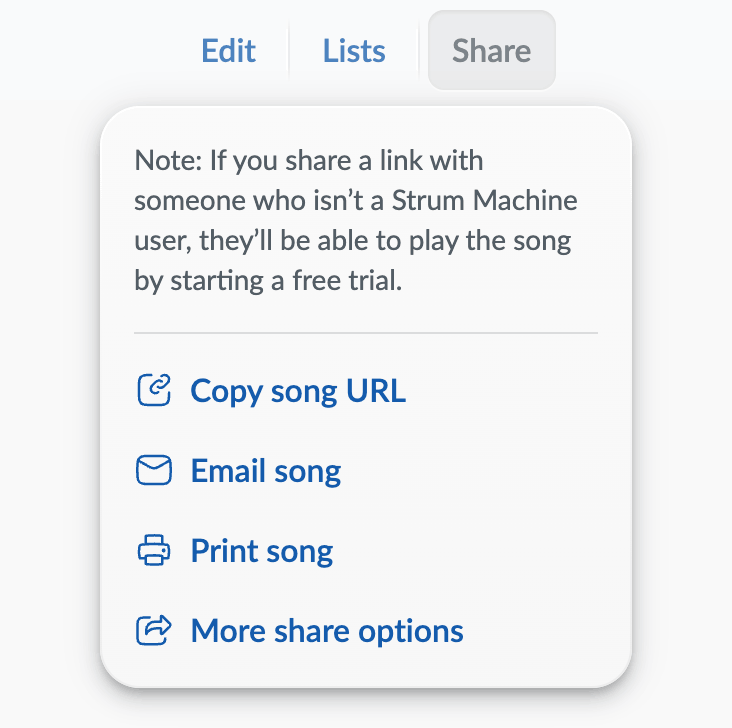
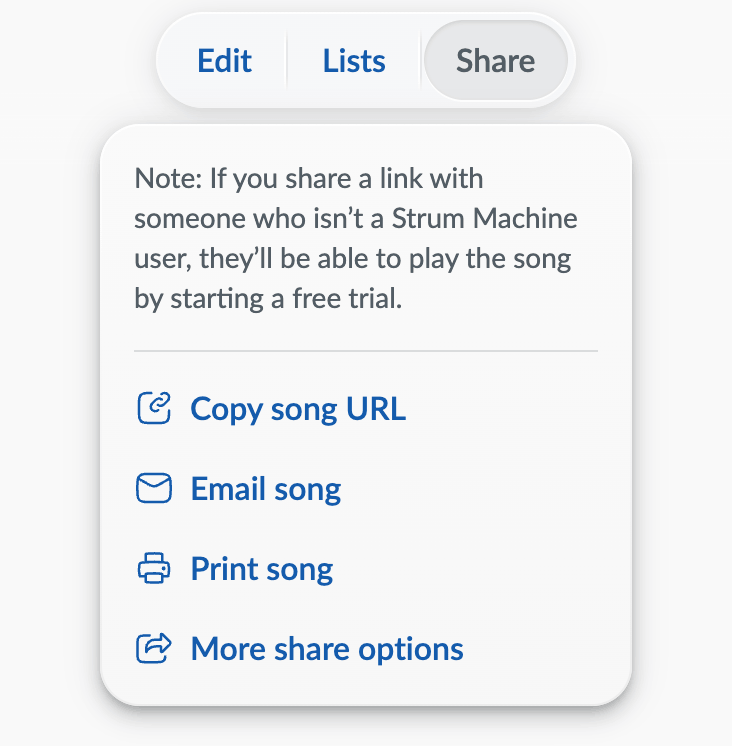
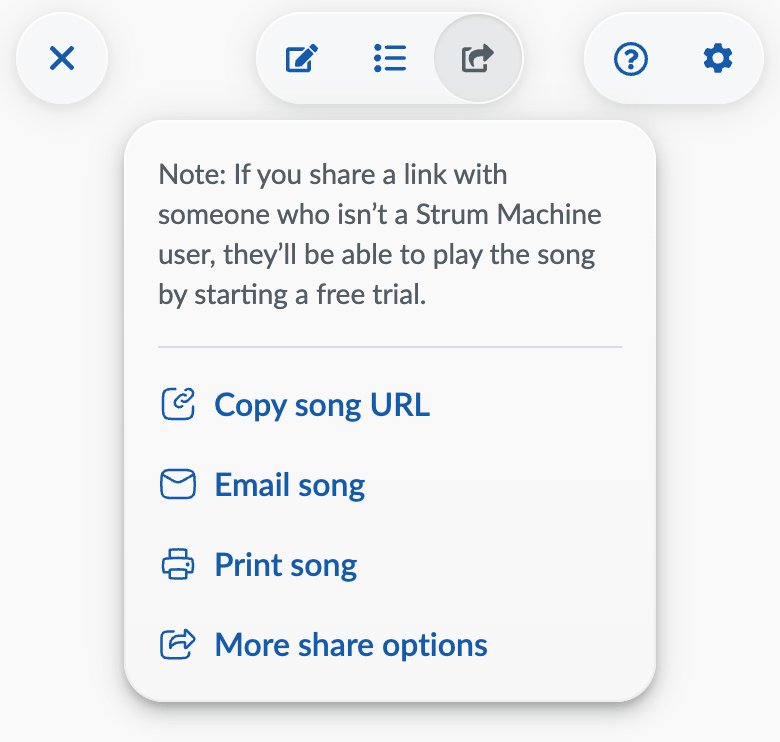
Once the menu appears, click to copy the current page’s URL (web address) to your clipboard, then paste it into a message to your friend. The other buttons let you email, share, or print a chord sheet for the song.
Sharing many songs at once
Want to share multiple songs at once? Rather than dealing with a bunch of URLs, we recommend that you add the songs to a song list and then share the entire list.
Song-sharing forum
Folks have started sharing songs and song lists on the community forum. Go to Categories and then Share Your Charts to see all the shared songs/lists in one place, and feel free to contribute your creations!
Note about the built-in song library
All of the songs in the built-in library have been added/vetted by Strum Machine staff. We’re not accepting submissions (or requests) for the built-in library at this time, but we may in the future. For now, the best way to share songs with the Strum Machine community is through the forum.