Rep-Limit
You can automatically finish song playback after a certain number of repetitions by setting a repetition limit. Here’s how:
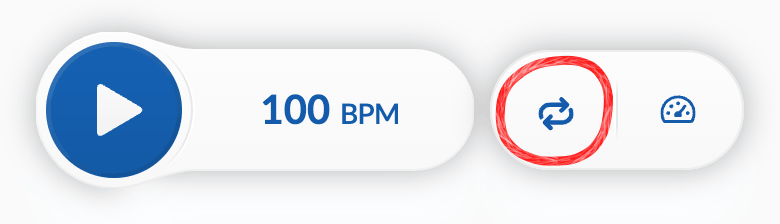
Tap on the button in the playback bar:


Then tap on an option to set the rep limit. In this example, we’ll set it to 4 repetitions by clicking :
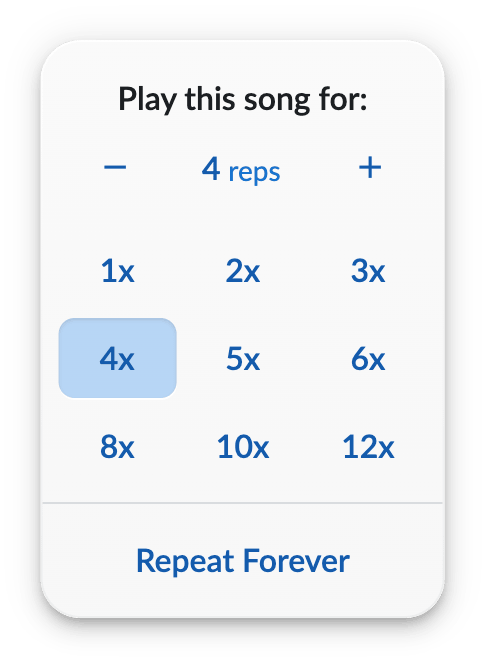
You can also use the –/+ buttons to adjust the repetition count, or tap on the count to type in a specific number.
To reset the rep limit so that the song no longer stops automatically, tap .
If you have set a loop, Rep Limit will end playback after a set number of repetitions of your loop.